How to browse anonymously, step by step
목차
Complete anonymity online isn't realistic for most people, but you can make yourself very hard to identify. Four main things give you away: your IP address, cookies, your browser's fingerprint, and the accounts you're logged into. Anonymous browsing means covering each of them, with tools that match who you're trying to hide from.
What anonymous browsing means
Anonymous browsing means using the web in ways that make your activity hard to tie back to your real identity. It's related to privacy but not the same thing. Privacy hides what you do: your bank knows it's you logging in, but nobody in between can read the details. Anonymity hides who you are: a site sees the activity, but can't connect it to your name.
It's also not incognito mode. Incognito mode only stops your browser from saving your history on your device. Sites still see your IP address, and your internet provider still sees where you go. It hides your browsing from other people who use your computer, and that's about it.
What gives you away online
Four signals do most of the work of identifying you, and each one needs a different fix.
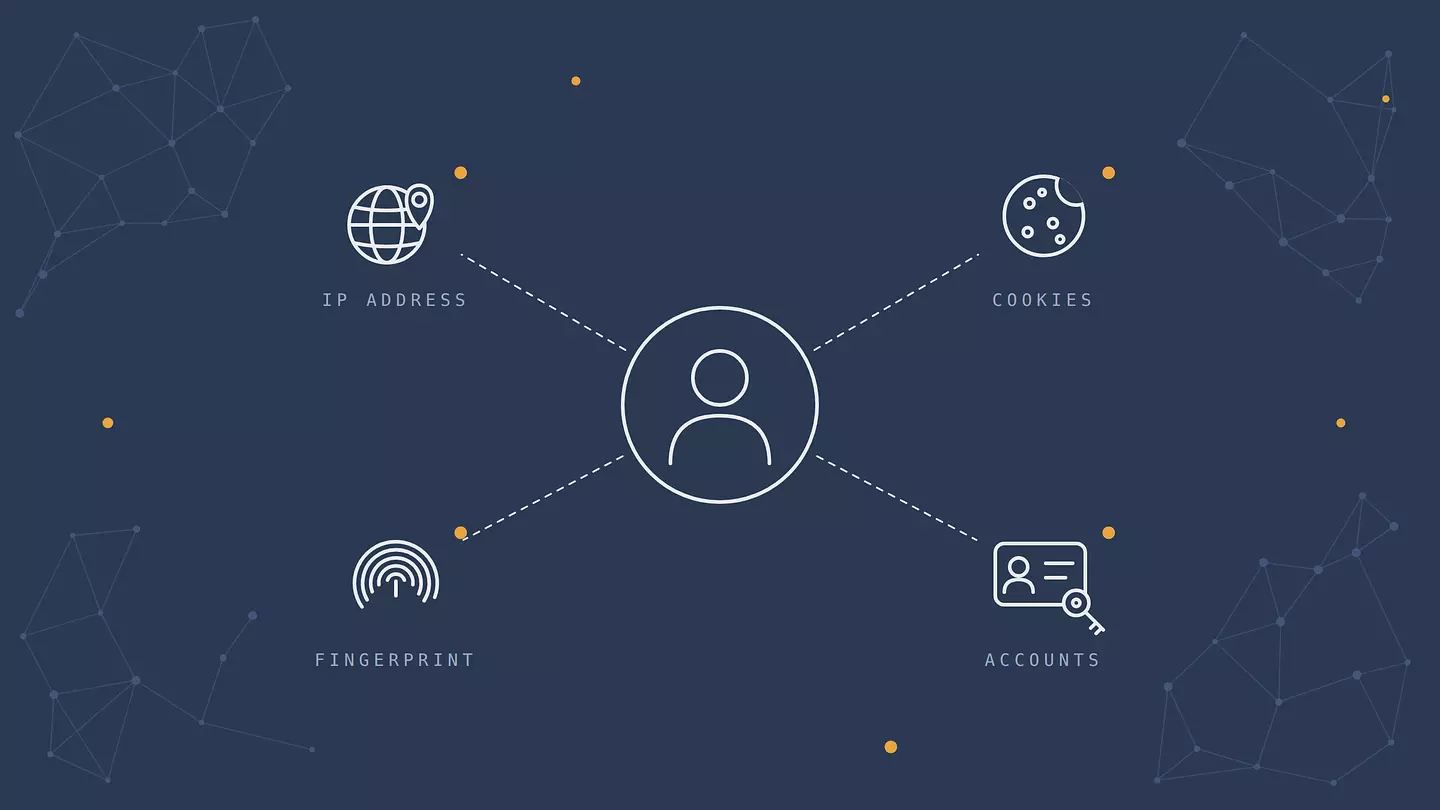
Your IP address. Every site you visit sees it. It reveals your approximate location and your internet provider, and it helps link your visits together.
Cookies and trackers. Small files and scripts from advertisers follow you from site to site and build a profile of your interests.
Your browser fingerprint. Your screen size, fonts, language, time zone, graphics card, and browser settings together often form a combination unique to you (no single one of them is rare; the mix is). Sites can often recognize you from it even after you clear your cookies. The EFF's Cover Your Tracks test shows how unique yours is.
Your accounts. The moment you log in to Google, Facebook, or any other account, everything you do there is tied to your name, no matter what else you've hidden.
There's a fifth, softer one: your habits. Reusing the same username, writing in a recognizable style, or visiting the same handful of sites at the same times can link you across sessions, even when the technical signals are hidden.
Start with who you're hiding from
"Anonymous" always means anonymous from someone. The right setup depends on who that is.
Who you're hiding from | What they can see | What actually works |
|---|---|---|
Advertisers and websites | Your IP, cookies, fingerprint, and what you do on their sites | A VPN, a browser that blocks trackers and fingerprinting, staying logged out |
Your internet provider or the Wi-Fi owner | Usually which sites you visit, and when | A VPN or Tor |
Your employer or school | Their network traffic, and often much more on a device they manage | Your own device on your own connection. No tool fixes a monitored device. |
The services you log into | Everything you do while signed in | Not logging in, or a separate account with no real name, phone number, or reused email |
Governments and law enforcement | Whatever the parties above can see, and hand over when legally required | Tor, careful habits, and understanding that this is a much higher bar |
For most people, the first two rows are what matters: stopping advertisers from building a profile, and keeping your browsing to yourself on networks you don't control.
How to browse anonymously
The first three steps cover most everyday needs; the rest are for when you want to raise the bar.
1. Stop logging in, and keep your identities separate
No tool can hide you from a site you're signed in to. For anything you want to keep anonymous, stay logged out. If you do need an account, create it with an email address that isn't connected to your name and use it only for that purpose. Keep your personal browsing in a separate browser or browser profile, so the cookies and logins never mix.
2. Hide your IP address with a VPN
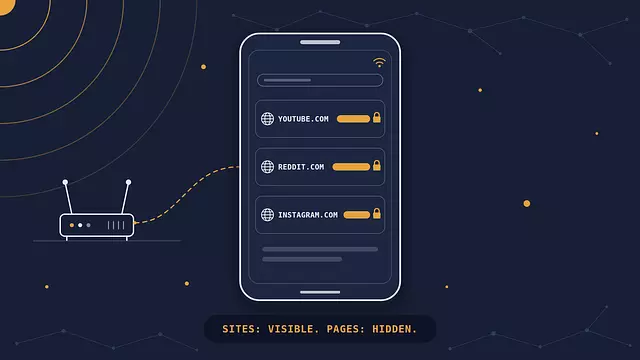
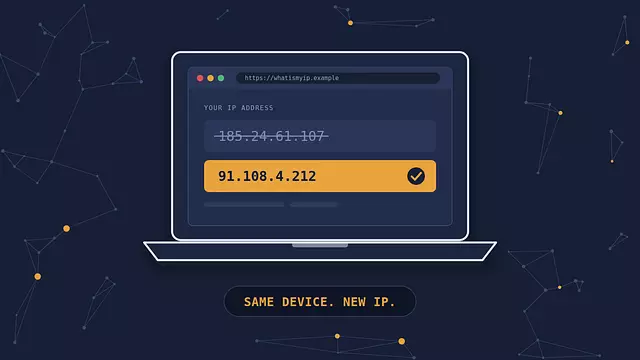
A VPN replaces your IP address with the VPN server's, so sites see the server's location instead of yours. It also encrypts your traffic between your device and the VPN server, so your internet provider and the Wi-Fi owner see only a connection to the VPN, not the sites you visit. We cover the mechanics in how a VPN works.
How much of your device a VPN covers depends on how you run it. A browser extension, like Browsec's for Chrome, Firefox, Edge, and Opera, routes only that browser's traffic, so other apps (a mail client, a messenger, a game launcher) still connect from your real IP address. Browsec's desktop app for Windows, macOS, and Linux covers the whole device. It's part of Premium, while the extension also works on the free plan.
Two limits to know. First, you're now trusting the VPN provider instead of your internet provider, because the VPN may be able see which sites you visit, so choose one you trust. Second, a VPN does nothing about cookies, fingerprinting, or accounts. It covers one giveaway out of four. If an IP change is all you need, our guide to changing your IP address compares the options.
3. Use a browser built against tracking
Your browser decides how much your cookies and fingerprint give away. Chrome, for example, still allows third-party cookies by default. Better options:
Brave blocks trackers and third-party cookies by default and randomizes parts of your fingerprint.
Firefox keeps each site's cookies separate by default, and setting Enhanced Tracking Protection to Strict blocks more trackers and known fingerprinting scripts.
Mullvad Browser, built by the Tor Project with the VPN company Mullvad, is essentially Tor Browser without the Tor network. It makes users' fingerprints look as similar as possible and forgets everything when you close it. It's free and designed to be used together with a VPN.
Our comparison of the types of browsers goes into more detail.
4. Use Tor when anonymity really matters
Tor Browser sends your traffic through three volunteer-run relays before it reaches a site. The first relay sees your IP address but not where you're going, and the last one sees where you're going but not your IP address. It also makes users' browsers look as alike as possible, which defeats most fingerprinting. That makes Tor one of the strongest anonymity tools most people have access to.
It comes with trade-offs. Pages load noticeably slower, many sites show extra CAPTCHAs or block Tor outright, and it's poorly suited to streaming or big downloads. The last relay can also see your traffic if the site doesn't use HTTPS, so avoid entering anything sensitive on unencrypted sites. And logging in to a personal account over Tor undoes the point entirely. Download it only from the official site.
5. Switch to a private search engine
Your search history is one of the most revealing records about you. Search engines like DuckDuckGo and Startpage don't tie your searches to a profile. If you keep using Google, at least stay signed out, and our guide to who can see your search history shows where else your searches end up.
6. Keep extensions to a minimum
It sounds backward, but piling on privacy extensions can make you easier to track. Every extension changes your browser in a small way, and an unusual combination is itself a fingerprint. One good tracker blocker, like uBlock Origin, beats five overlapping tools. Browsers like Brave and Mullvad Browser already build in most of what you'd add.
7. Check for leaks
A VPN can be switched on and still leak. DNS requests that bypass the VPN can reveal your browsing to your internet provider, and WebRTC, a browser feature for video calls, can reveal your real IP address to sites. Browsec protects against WebRTC leaks and sends DNS requests through the VPN tunnel, but a test is still the only way to know your own setup holds. Run a DNS leak test with the VPN on, then the Cover Your Tracks fingerprint test. Our guide to testing your VPN walks through each check in a couple of minutes.
Anonymity tools compared
Incognito mode | VPN | Privacy browser | Tor Browser | |
|---|---|---|---|---|
Hides your IP from sites | No | Yes | No | Yes |
Hides your browsing from your internet provider | No | Yes | No | Yes |
Blocks cross-site trackers | Partly | No | Yes | Yes |
Resists fingerprinting | No | No | Partly (Mullvad Browser: yes) | Yes |
Stops a service you're logged into from knowing it's you | No | No | No | No |
Speed | Normal | Near normal | Normal | Much slower |
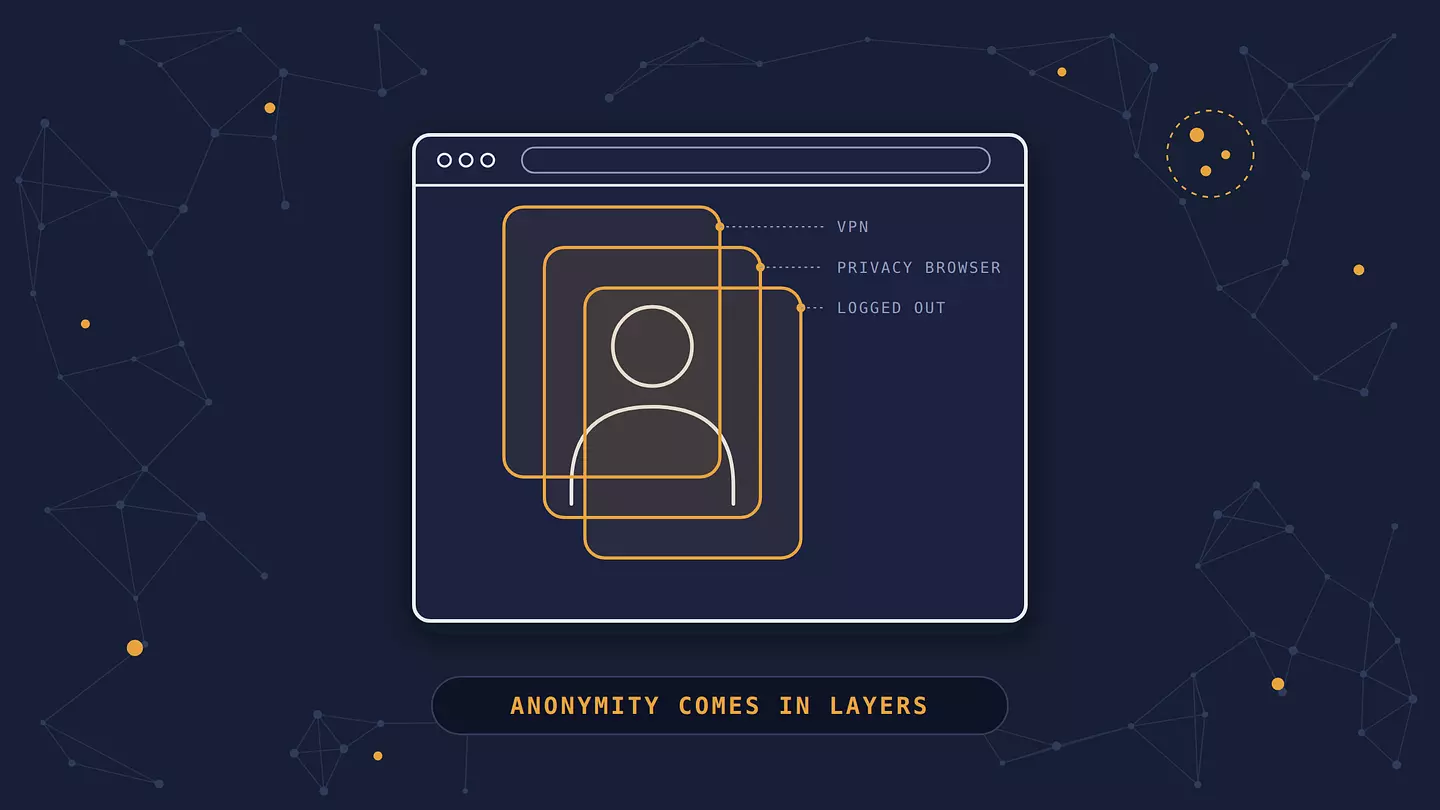
A VPN plus a privacy browser, used while logged out, covers most everyday needs. Tor is there for when the stakes are higher.
Mistakes that undo anonymity
Logging in "just for a second". One login ties your activity on that service to your name.
Reusing a username or email. The same handle on an anonymous account and a personal one makes them easy to link.
Using the same browser for everything. Anonymous browsing in the browser where you're logged in to Gmail shares cookies and a fingerprint with your real identity.
Tweaking Tor Browser or similar. They deliberately make users look as alike as possible, down to window size and fonts. Changing their settings or adding extensions makes you stand out again.
Trusting a VPN you haven't checked. A VPN can see which sites you visit, so before relying on one, especially a free one, check how it makes money, what it logs, and whether it has been independently audited.
Assuming a VPN extension covers the whole device. It covers only its own browser. Every other app still uses your real IP address unless you run a desktop VPN app.
Forgetting the file itself. Photos, PDFs, and documents can carry hidden metadata, like where and when a photo was taken, the device used, or the author's name.
Is anonymous browsing legal?
In most countries, yes. Using a VPN, a privacy browser, or Tor is legal. Tor alone counts more than 3 million daily users (Tor Metrics, October 2026), and most people use these tools for ordinary reasons: keeping advertisers out, protecting themselves on public Wi-Fi, or avoiding censorship. Some countries restrict these tools. China allows only government-approved VPNs and can penalize the use of others, and Russia has blocked Tor since 2021. And anything illegal stays illegal, whether or not you do it anonymously.
FAQ
Can you be completely anonymous online?
Not in practice. Connections leave technical traces, and a determined, well-resourced investigator can sometimes piece things together. What you can realistically do is make yourself hard to identify for the parties you actually care about, like advertisers, data brokers, and your internet provider.
Does a VPN make you anonymous?
Not on its own. It hides your IP address from sites and your browsing from your internet provider, but the VPN provider can see which sites you visit, and cookies, fingerprinting, and logged-in accounts still identify you. It's one important layer, and the other three giveaways need their own fixes.
Is Tor illegal?
No, not in most countries. Tor is a legitimate privacy tool used by journalists, activists, researchers, and ordinary people. Some countries, including Russia and China, block access to it, so check the rules where you live.
Does incognito mode make you anonymous?
No. Incognito stops your browser from saving your history on your device, but sites still see your IP address and fingerprint, and your internet provider still sees where you go.
Can the government see what I do with a VPN or Tor?
With a VPN, your internet provider sees only a connection to the VPN server, plus when and how much data you use, but the VPN provider itself can be asked to hand over whatever records it has, depending on where it's based. Tor is much harder to trace because no single relay knows both your IP address and where you're going. Neither protects you if you log in to an account or reveal your identity some other way.
이 글 인용하기
Browsec. "How to browse anonymously, step by step." Browsec Blog, 2026년 10월 23일, https://browsec.com/ko/blog/anonymous-browsing.